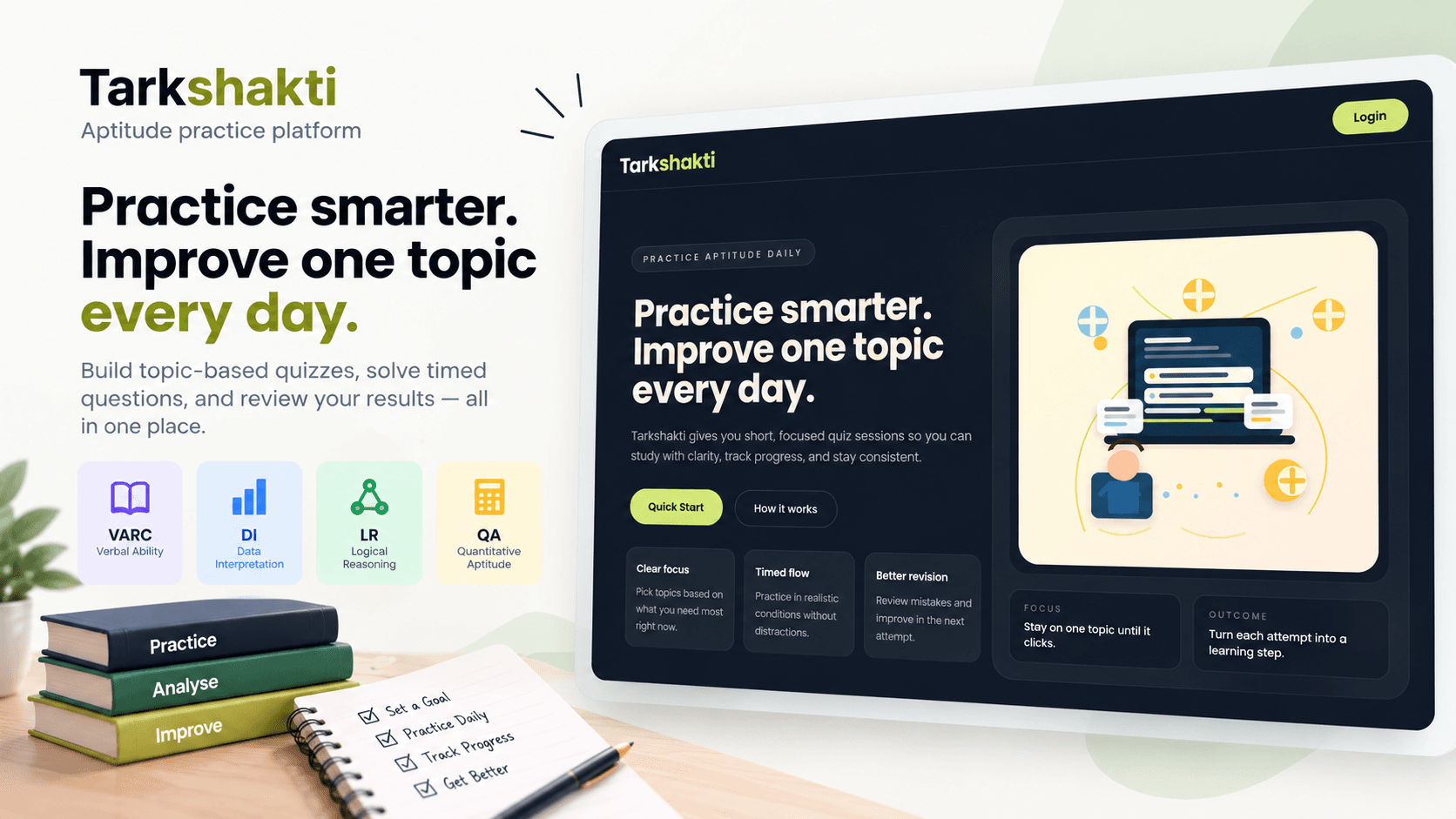
Tarkshakti - Aptitude Practice Platform
By Dheeraj Kumar Bhaskar • April 30, 2026
Tarkshakti is a server-driven aptitude practice platform for creating and solving focused, topic-based quizzes.
Users can choose questions from VARC, DI, LR, and QA, take timed quiz sessions, and review detailed results after completion.
Overview
Tarkshakti is built as a small product rather than a single quiz page. The application handles authentication, quiz generation, server-side session management, answer persistence, scoring, and performance history.
What users can do
- Sign up and sign in with email/password authentication.
- Create quizzes with a custom mix of aptitude topics.
- Solve questions in a timed session.
- Navigate between questions while preserving answers.
- Submit a quiz and review detailed results.
- View previous attempts from the dashboard.
- Update their profile information.
- Solve both text-based and image-based questions.
How It Works
Tarkshakti uses server-driven quiz sessions. The browser handles the interface while the server manages quiz state, session ownership, answers, and scoring.
User
 │
 ▼
Next.js Application
 │
 ├── Authentication ──► Supabase Auth
 │
 ▼
Dashboard
 │
 ▼
Create Quiz Session
 │
 ▼
Supabase / PostgreSQL
 │
 ├── Quiz
 ├── Quiz Session
 └── Session Questions
 │
 ▼
Timed Quiz
 │
 ├── Load Question
 ├── Save Answer
 └── Navigate
 │
 ▼
Finalize Quiz
 │
 ▼
Score Review
Quiz Flow
A typical quiz follows this flow:
- Choose topics — Select the number of questions from VARC, DI, LR, and QA.
- Create session — The server creates the quiz and associated session records.
- Solve — Questions are loaded individually during the active session.
- Save progress — Selected answers are persisted as the user navigates.
- Finalize — The server calculates the final score.
- Review — The user sees accuracy, attempted/skipped questions, correct answers, and explanations.
Supabase Architecture
Supabase handles authentication and persistent quiz data.
Next.js
 │
 ├── Supabase SSR
 ├── Supabase JS
 │
 ▼
Supabase
 ├── Auth
 │
 └── PostgreSQL
      ├── profiles
      ├── questions
      ├── quizzes
      ├── quiz_sessions
      ├── session_questions
      └── session_answers
The application also uses PostgreSQL RPCs for dashboard and score-related queries:
get_user_quiz_dashboardget_quiz_score
UserAuthContext keeps authentication state available across the client application, while server-side Supabase clients handle authenticated operations.
Server-Driven Sessions
Quiz creation happens on the server rather than relying on client-side state alone.
Topic Selection
      │
      ▼
POST /api/quiz/session
      │
      ▼
Create Quiz
      │
      ▼
Create Quiz Session
      │
      ▼
Attach Questions
      │
      ▼
Return Session ID
      │
      ▼
/quiz/[sessionId]
If quiz creation fails during the process, the operation rolls back to avoid leaving behind an incomplete quiz session.
During an active quiz, the server validates the authenticated user and session before allowing progress or answer changes.
Question Content
Questions can contain either plain text or image-based content.
The application normalizes question content before rendering so the same quiz interface can handle different content formats.
Technology
| Layer | Technology | | -------------- | -------------------------------- | | Frontend | Next.js 16, React 19, TypeScript | | Styling | Tailwind CSS 4 | | Authentication | Supabase Auth | | Database | PostgreSQL / Supabase | | Data Access | Supabase SSR, Supabase JS | | Validation | Application-level schemas | | Icons | lucide-react | | Media | next/image | | Tooling | ESLint, TypeScript, npm |
Project Structure
app/          → Pages, layouts, and API routes
components/   → Reusable UI components
contexts/     → Shared client state
hooks/        → Quiz and session hooks
lib/actions/  → Server-side actions
lib/db/       → Supabase clients
lib/services/ → Quiz, scoring, dashboard services
lib/questions/→ Question utilities and seed scripts
lib/schemas/  → Validation schemas
public/       → Static assets
Create an account, choose your topic mix, start a timed quiz, and review your results.
Current Limitations
- No dedicated automated test suite yet.
- Dashboard and quiz error states can be improved.
- Interrupted quiz sessions do not yet have dedicated retry/resume support.
- Question administration can be moved further into structured migrations and data workflows.
- Some environment variables remain as placeholders for integrations that are not currently active.